
Launching in Pakistan: one operating system for modern restaurants
SwiftScanPay brings POS, orders, payments, inventory and operations together in one connected platform, starting with restaurants in Pakistan.
1 min readRead article

Restaurant POS, multi-location operations, inventory control, payments and real-time reporting, all offline-ready. Most operators did not choose a fragmented stack. It accumulated, one tool per problem. SwiftScanPay brings them together.
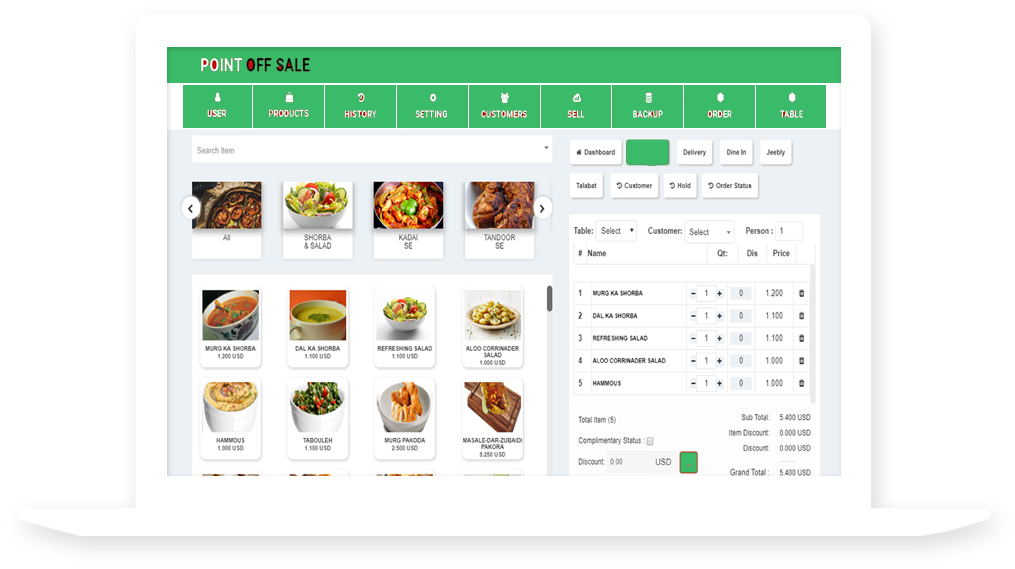
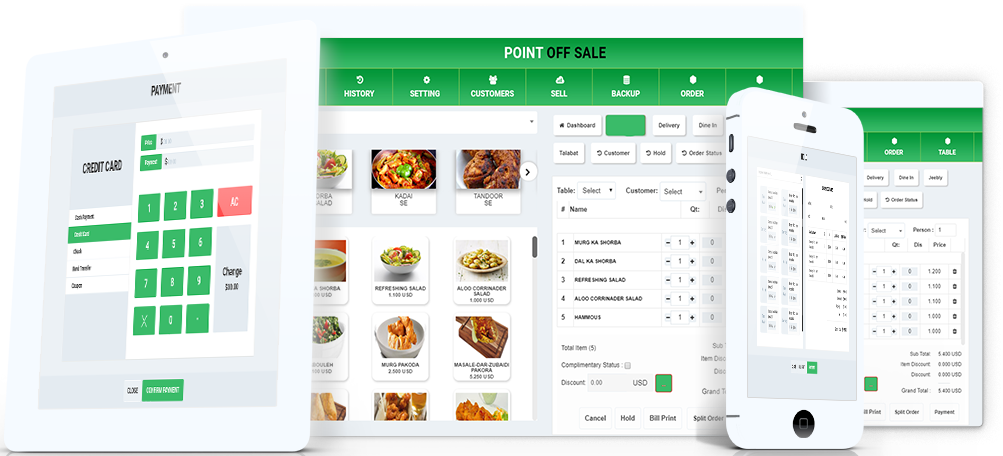
Front of house, kitchen and payments write to the same ticket, so the pass sees the order the moment it is taken and the bill closes from the table or the counter.
Front of house works on a floor plan drawn to match the room. Tables, tabs and courses are opened, merged and moved without leaving the plan, and every open ticket shows its total, its course and the server assigned.
When the party is ready, tender happens at the table or the counter and is reconciled to the shift. The table clears itself and the covers are already on the report.
Tickets route by station and carry elapsed time, course order and modifiers. Nothing is re-keyed between the floor and the line. Course firing is controlled from the floor, with per-item timers on the hot line, garde manger and pass.
Bump history is retained for the shift review, so timing problems are visible at close rather than remembered later.
Servers carry a tablet to the table, hosts use one at the door and the manager keeps one behind the bar. Each device signs in with its own role and writes to the same record.
Devices keep working when the connection drops and push their queue as soon as it returns, in order, with variance reported at close.
Every dish depletes its recipe. Par levels, variance and supplier orders sit against the same numbers the register produced, so the count is a check rather than a rebuild.

Each sale takes its ingredients out of stock automatically, per recipe, per portion.
Orders are raised from par levels and received against the same lines on a tablet at the back door.
Counts and variance by period, with the expected quantity shown next to every item.
Supplier price changes flow straight into recipe costs and margin reporting.
A floor plan that matches the room. Writes orders and covers the moment they are taken.
Course firing and elapsed time on every ticket. Reads orders, writes timings for the shift review.
Reviewed while the week is still open. Reads every area of the operation from one record.
Front of house, kitchen, payments, inventory, staff and management all write to the same record, so the operation reads as one business rather than six tools. A change in any one area is visible in the others immediately. No export, no spreadsheet, no phone call.
Explore the PlatformThe register is the core surface. Orders, kitchen, payments, inventory, staff and management all read from and write to the record it opens, so the close is a review rather than an investigation.
Explore the PlatformAverage checkout
Offline-capable POS
Operational areas, one record
Ledger across locations
Product updates, implementation guides and launch news from the SwiftScanPay team.
SwiftScanPay brings POS, orders, payments, inventory and operations together in one connected platform, starting with restaurants in Pakistan.
The register writes sales, tickets and tenders locally and reconciles them when the connection returns. Staff are never asked to wait for a network.
Growing from one site to five should not mean five sets of numbers. One menu source, one price book, one set of permissions.